Calorie & macro tracker · iPhone
Track what you eat,
in two taps.
Photograph a label once. Your phone reads the values per 100 g, lifts the product off its background, and files it in your pantry. After that, logging the day is a tap, a portion, done.
The method
Set up a product once. The rest of the day takes care of itself.
Photograph the label
Text recognition runs on the phone itself and fills in the calories and macros per 100 g. You confirm the numbers before saving.
A pantry, not a spreadsheet
The product photo is lifted from its background on its own — clean on the paper. Your pantry reads like a tidy shelf, not a database.
Log in two taps
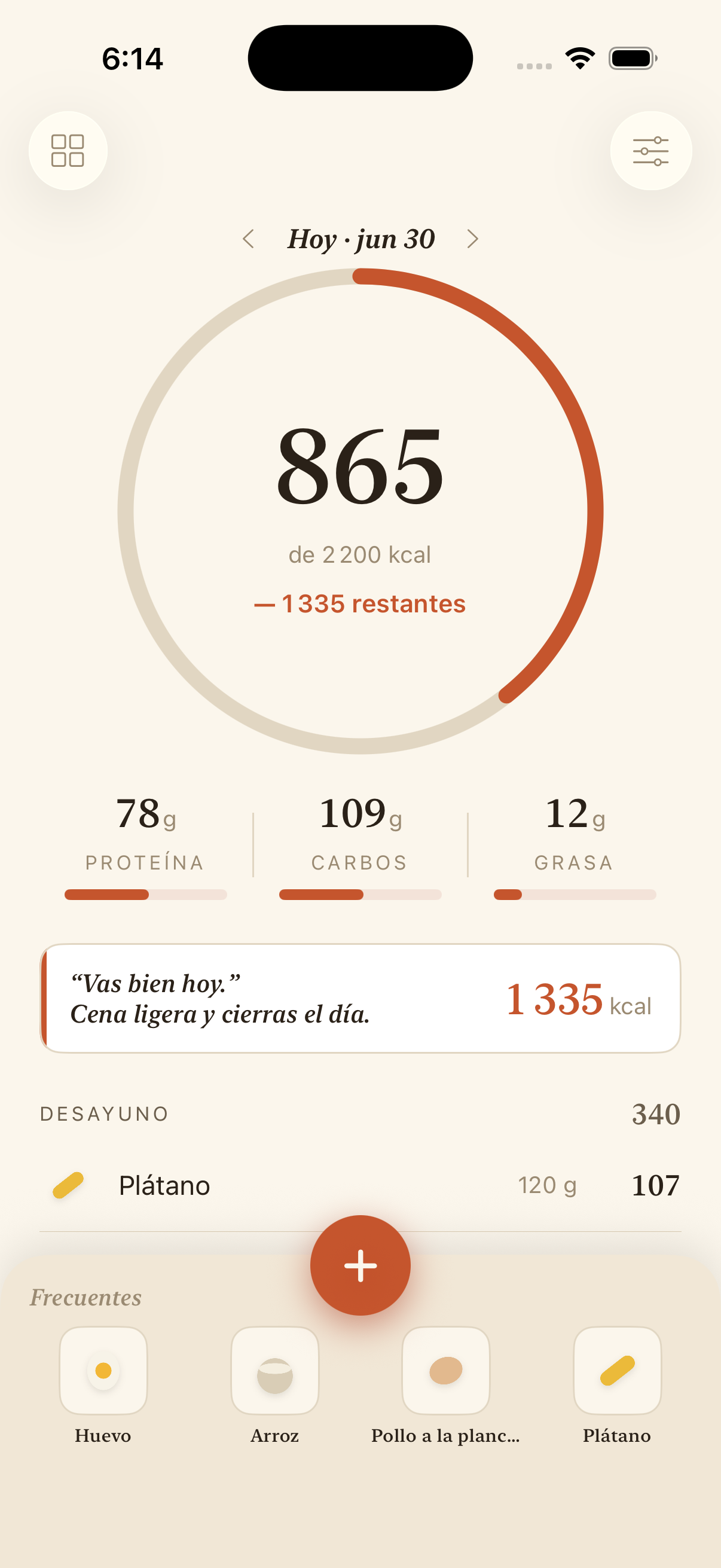
Tap a product in the Frequents bar, pick the grams, and it lands on your day. The ring fills; the numbers settle, with no bounce.
“Everything stays on your phone.”
No accounts, no network, no analytics, no third parties. Photos and data are processed on the device and never uploaded — we keep no servers to put them on.
iPhone · portrait
Nothing leaves the phone
Open it and log